If you want to run AI on your own computer, the practical decision comes down to two names: Ollama and LM Studio. Both are free, both run the same open models (Llama, Qwen, Mistral, Gemma, DeepSeek…) and both work on Windows, Mac and Linux. The difference isn’t the “what” but the “how” — and choosing well depends on how you work. We use both daily; this is the honest comparison.
The core difference: terminal vs windows
- Ollama is minimalist: you drive it from the terminal (
ollama run llama3) and it stays running as a service. Lightweight, quick to install, designed to be chained with other tools. - LM Studio is visual: a windowed app with a built-in model browser, tabbed chat and slider-based settings. Zero commands.
- Both can serve a local OpenAI-compatible API, so any app that talks to ChatGPT can talk to your local model.
Where Ollama wins
- Automation and integrations: it’s the de facto standard — most tutorials, scripts and tools (including n8n flows or agents) assume Ollama.
- Lightness: no interface eating resources; ideal to leave running in the background or on a home server.
- Reproducibility: a command is a command: easy to document, share and repeat.
Where LM Studio wins
- Absolute ease: search model, click download, click load, chat. It’s the perfect entry door if the terminal puts you off.
- Model exploration: the built-in catalog (downloading from Hugging Face) shows sizes, variants and whether they fit your RAM — it removes a lot of research work.
- Visible settings: temperature, context, GPU offload… all with visual controls instead of flags.
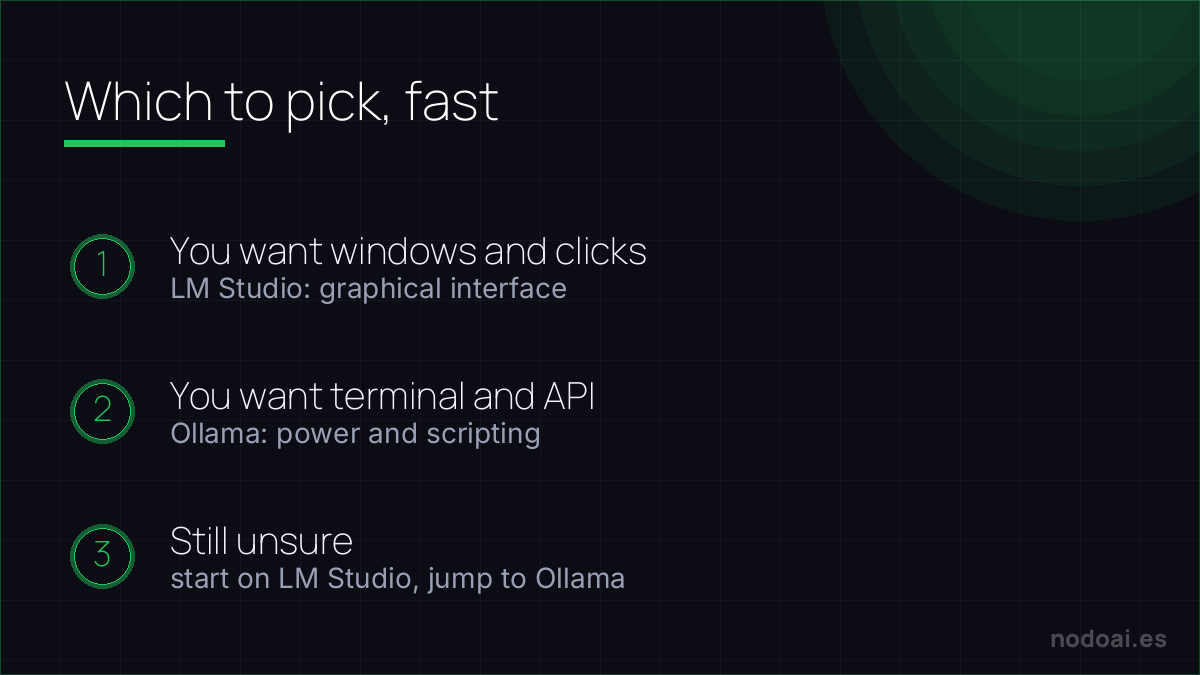
Which local runner is for you
Both run AI models on your own machine — private, offline, no subscription. The difference is how you like to work:
- Choose Ollama if you're comfortable with the command line and want to script, integrate models into apps, or run them on a server. It's the developer's pick.
- Choose LM Studio if you want a friendly graphical app to browse, download and chat with models — the easiest way in for beginners.
They're not mutually exclusive: many people prototype visually in LM Studio, then move to Ollama for automation. Either way, the real win is the same — your data never leaves your computer.
Our recommendation
- First time with local AI? LM Studio. In five minutes you’re chatting and you understand which model fits your machine.
- Want to automate or connect apps? Ollama. Its ecosystem and lightness make it the better foundation.
- Both? Perfectly valid: LM Studio to explore models and Ollama as the engine for your automations. They don’t compete for the same moments.
- Our personal pick: Ollama as a permanent service + LM Studio when we want to try a new model without thinking.
Frequently asked questions
Which one is faster?
With the same model on the same machine, performance is very similar: both use equivalent inference technology. Speed is set by your hardware and the model size, not the app.
Do the same models work on both?
Yes — both run open models in standard formats. If a model is on one, it’s almost certainly available (or loadable) on the other.
How much RAM do I need?
With 8 GB you can run small models (3-4B) and with 16 GB you’re comfortable with 7-8B ones. We explain it in detail in our local AI guide.
Conclusion
Ollama and LM Studio aren’t rivals: they’re two doors into the same house. Choose based on your comfort with the terminal and get started — what matters is taking the step. Here’s the complete guide to running AI on your computer, what DeepSeek is (one of the star open models) and why local is unbeatable on privacy.