n8n has gone from being a tool for developers to one of the most downloaded automation platforms on GitHub, with over 400 native integrations and an active Spanish-speaking community that grows every month. If you’ve heard of Make or Zapier but want more control — and without paying for each operation — this tutorial is your starting point.
What makes n8n different is not just that it’s free in self-hosting: it’s that you can run JavaScript code within workflows, connect databases directly, and build complex conditional logic without relying on the visual interface when it’s not enough.
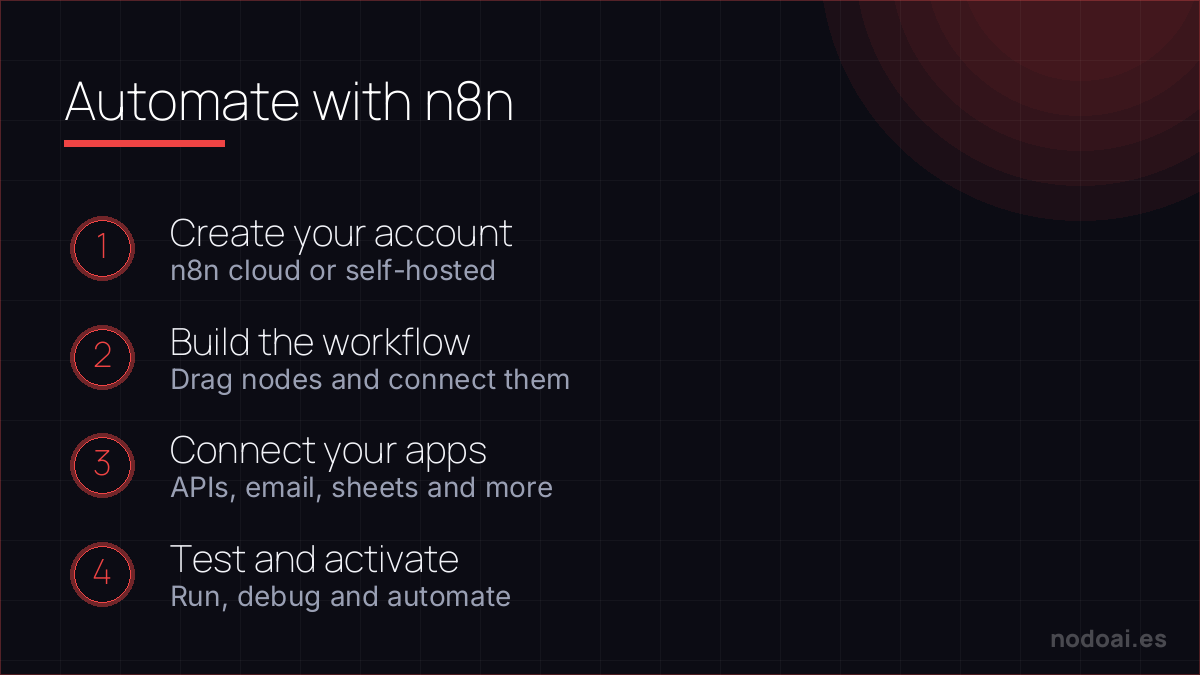
What is n8n and why is it gaining ground on Zapier?
n8n (pronounced “n-eight-n” or “nodemation”) is an open-source workflow automation platform. The key difference with Zapier or Make: you can install it on your own server and don’t pay per execution. For teams that automate thousands of tasks per month, the savings are huge.
| Feature | n8n (cloud) | n8n (self-hosted) | Zapier | Make |
|---|---|---|---|---|
| Base price | $20/month | Free | $19.99/month | $9/month |
| Included operations | 2,500/month | Unlimited | 750 tasks/month | 1,000 ops/month |
| JavaScript code | ✅ | ✅ | ❌ (limited) | ✅ |
| Self-hosting | ❌ | ✅ | ❌ | ❌ |
| Learning curve | Medium | Medium-High | Low | Medium |
Installation: 3 ways to get started with n8n
Option 1: n8n Cloud (the fastest)
The fastest way to get started is with n8n.io. Create an account, choose the free trial plan (14 days), and access the interface directly without configuring anything. Ideal for evaluating if n8n fits your workflow before setting it up on your server.
Option 2: Docker (recommended for self-hosting)
If you have Docker installed, starting n8n is just one line:
docker run -it --rm
  --name n8n
  -p 5678:5678
  -v ~/.n8n:/home/node/.n8n
  docker.n8n.io/n8nio/n8n
Access http://localhost:5678 and create your admin user. The data is saved in ~/.n8n on your local machine.
Option 3: npm (for development environments)
npm install n8n -g
n8n start
Requires Node.js 18+. Useful for quick local tests, but for production, Docker or a dedicated instance is more stable.
Your first workflow: Slack notification when receiving an email in Gmail
This is the most common automation workflow to understand how n8n works. You’ll see immediately how nodes connect and how information flows between them.
Step 1: Create a new workflow
Open n8n, click on “New Workflow”, and give it a name. You’ll see the blank canvas where you’ll build the workflow.
Step 2: Add the Gmail trigger
Click on the “+” and search for “Gmail”. Select the Gmail Trigger node and configure it:
- Event: Message Received
- Filters: you can filter by sender, subject, or label
- Connect your Google account with OAuth2 (n8n guides you step by step)
Step 3: Add the Slack node
Add a new node, search for “Slack”, and select Send a Message. Configure:
- Channel: the channel where you want to receive the notification
- Message: you can use variables from the previous email, for example:
New email from: {{$json.from}} | Subject: {{$json.subject}}
Step 4: Activate the workflow
Click on “Save” and then activate the toggle in the top right corner. The workflow is now running. The next time you receive an email in Gmail that meets the filters, a message will arrive in Slack automatically.
Most useful nodes to get started
| Node | What it’s for |
|---|---|
| HTTP Request | Calling any API (even those without a native node) |
| Code (JavaScript) | Transforming data, filtering, calculating with custom logic |
| IF | Conditions: if X then A, if not B |
| Set | Defining or transforming variables for subsequent nodes |
| Google Sheets | Reading/writing rows in spreadsheets |
| Webhook | Receiving data from any external service (HTTP trigger) |
| Schedule Trigger | Running the workflow at specific times (like cron) |
| Airtable | Visual database, very popular for prototypes |
5 real automation workflows with n8n
1. Saving form leads in Google Sheets
Webhook → transforming data with Set → Google Sheets (append row). Every time someone fills out a form on your website, the data arrives in your spreadsheet without manual intervention.
2. Publishing on social media from Notion
Notion trigger (new entry) → IF (checking status = “Ready”) → HTTP Request to Twitter/X API or LinkedIn. Manage your editorial calendar from Notion, and n8n takes care of publishing.
3. Monitoring prices with scraping + alert
Schedule Trigger (every hour) → HTTP Request (scraping a URL) → Code (extracting price with regex) → IF (price less than X) → Telegram or email. Without paying for third-party APIs.
4. Daily summary of mentions with AI
Schedule (09:00) → searching for mentions via APIs → Code (consolidating texts) → OpenAI (summarizing) → Slack or email. Your team starts the day with an automatic summary of what’s being said about your brand.
5. Automated onboarding of customers
Webhook (new customer in Stripe/Paddle) → creating contact in CRM → sending welcome email → adding to Slack group → creating task in Asana. All without manually touching anything.
n8n vs Make vs Zapier: which one to choose?
Choose n8n if: you have basic technical knowledge, you want to run thousands of automations without paying for each one, or you need custom code logic in your workflows.
Choose Make if: you want something visual and powerful without having to install anything, with more pre-configured integrations than n8n and a decent free plan.
Choose Zapier if: you’re non-technical, you value simplicity above all, and you do simple automations of 2-3 steps without complex logic.
Our experience building flows with n8n
- Start tiny: one trigger and one action. The rookie mistake is trying to build the perfect ten-step flow on the first go and getting stuck.
- What trips people up most: credentials and error handling. Spend time on what happens when something fails, not just on when everything goes right.
- What we value: being self-hostable, your data never leaves your server and the cost doesn’t explode with volume like on other platforms.
Our advice: build in pieces and test each node before chaining the next. A flow you understand and can fix is worth more than a huge one that breaks without you knowing why.
Frequently Asked Questions
Is n8n really free?
Self-hosting is completely free: you download the code, install it on your server, and don’t pay anything for executions. n8n Cloud (the managed version without installing anything) has a $20/month plan. n8n’s license is “fair-code”: free for personal use, with restrictions if you want to redistribute it commercially.
Do I need to know how to program to use n8n?
It’s not essential. Most workflows are built visually without writing code. The Code (JavaScript) node is optional and only necessary for advanced data transformations. With basic knowledge of logic (if/else, variables), you can build complex automations.
How do I compare n8n with Make for automation?
Make has more pre-configured integrations and is more visual. n8n has more technical flexibility and is free in self-hosting. For technical teams, n8n usually wins. For marketing teams without a technical profile, Make can be more accessible. There’s a complete comparison in our tools section.
Can I connect n8n with ChatGPT or Claude?
Yes. n8n has native nodes for OpenAI (ChatGPT, GPT-4, Embeddings) and for Anthropic (Claude). You can build workflows that send data to an AI model, process the response, and send it to another service. It’s one of the most powerful combinations for intelligent automation in 2026.