Removing a photo’s background used to mean Photoshop and lasso patience; today AI does it in two seconds, for free, with a cut-out that respects even loose hairs. It’s probably the most used AI utility in the world without anyone calling it “AI”. Here are the best ways to do it, when to pay (almost never) and the tricks for a fine cut-out.
The ways to remove a background (easiest to finest)
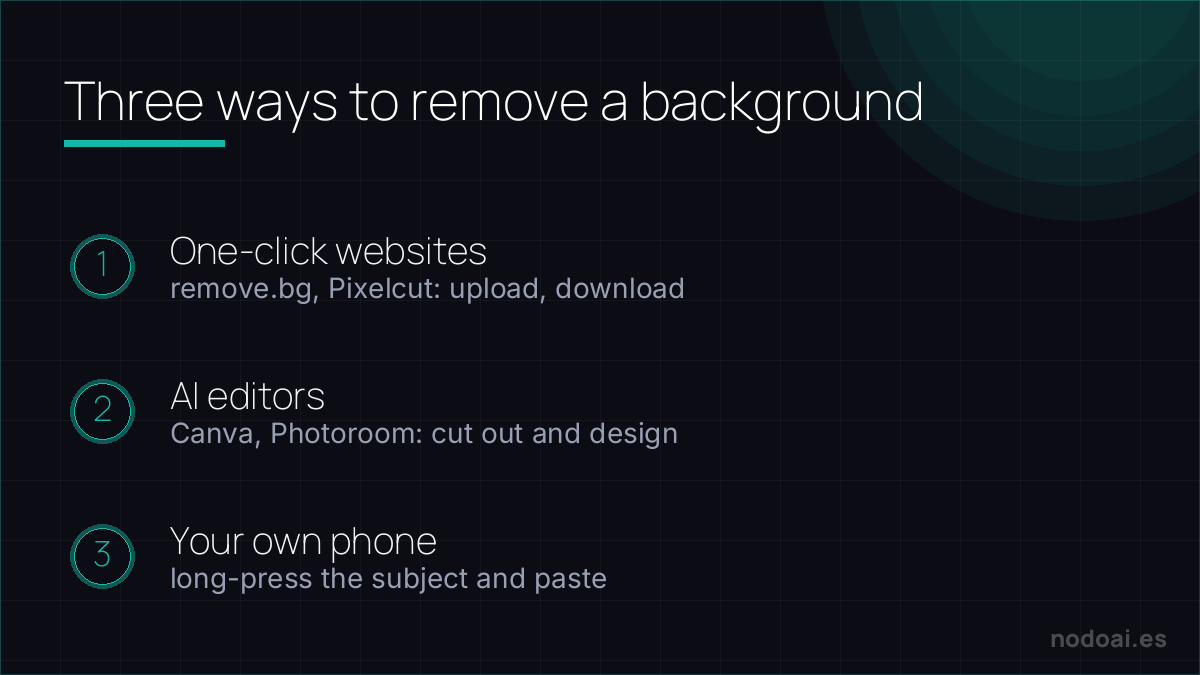
- One-click websites (remove.bg, Pixelcut and similar): upload the photo and download the background-free PNG. Zero friction; the free version usually limits resolution.
- AI editors (Canva, Adobe Express, Photoroom): they remove the background and also let you add another, drop a shadow or build a design on top. The most practical when the cut-out is part of something bigger.
- On your own phone: iPhone and many Androids let you “lift” the subject from a photo by long-pressing on it and paste it wherever you want. For quick uses, you don’t even need apps.
Tricks for a clean cut-out
- Contrast rules: a well-lit subject and a background that differs in colour/light = perfect cut. A dark photo with a similar background = chewed edges.
- Watch hair and glass: they’re the hardest; if the result fails there, try another tool (each one cuts differently) or touch up the edge by hand.
- Export as PNG: it’s the format with transparency. A JPG will fill your background with white.
- Resolution: if you need it big (print, a shop), check the tool isn’t shrinking it on the free plan.
What you’ll use it for most
- Product photos: white or uniform-colour background for a shop or marketplace.
- Profile and CV photos: a clean cut-out on a neutral background, instantly more professional.
- Designs and memes: pasting people or objects onto other backgrounds, the basis of half the internet.
Clean cutouts — and the edges that trip AI up
One-click background removal is genuinely great now, but the quality lives in the edges:
- Near-perfect on: solid shapes with clear outlines — products, a person against contrast, logos.
- Hard cases: fine hair, fur, glass, smoke and motion blur, where the edge is naturally fuzzy. Expect to refine those by hand.
Practical tips: start from the highest-resolution original you have, and if you'll place the subject on a new background, add a soft, realistic shadow so it doesn't look pasted on. For most product and profile shots a free tool nails it; save the manual work for the wispy edges.
Our recommendation
- Always start free: for normal use, the free options are plenty. Pay only if you need high resolution or batch processing.
- If the result is “almost”: switch tools before fighting with touch-ups; cut-out engines vary a lot between services and sometimes another nails it first try.
- Our take: it’s the perfect gateway to AI editing: instant, free and professional-looking. If you adopt just one utility of this kind, make it this one.
Frequently asked questions
Are there totally free, no-signup options?
Yes, several one-click sites remove backgrounds without an account, usually with a resolution limit on the free download. For tests and social media it’s more than enough.
Do I lose quality when removing the background?
The cut-out itself doesn’t degrade the image, but many free services deliver a reduced version. If you need the original size, compare what resolution each tool returns before deciding.
Conclusion
Removing backgrounds with AI is free, instant and surprisingly good: go one-click for speed and a full editor when the cut-out is part of a design. If you’re preparing photos to sell, continue with our guide to creating an online store with AI; and to generate images from scratch, the best AI image tools.
Want more? Here is the complete map of AI photo trends and tricks.