It’s one of the fastest-growing AI searches: creating a photo (or video) of two people hugging from two separate pictures. Impossible reunions, grandparents with grandchildren they never met, long-distance couples… The technique works and it moves people, but it touches sensitive ground and real people’s photos, so it’s worth doing right. Here’s how, with which tools, and with what care.
What the “AI hug” is and why it’s everywhere
- The idea: you upload two photos (one of each person) and the AI generates an image —or a short video— where they hug naturally.
- Why it moves people: it lets you “see” hugs life didn’t give: with a loved one who passed away, with someone far away, or between generations that never met.
- What to expect: the result is a recreation, not a real photo. Done well it’s touching; with poor photos it can look off (hands and proportions are the weak spot).
How to do it, step by step
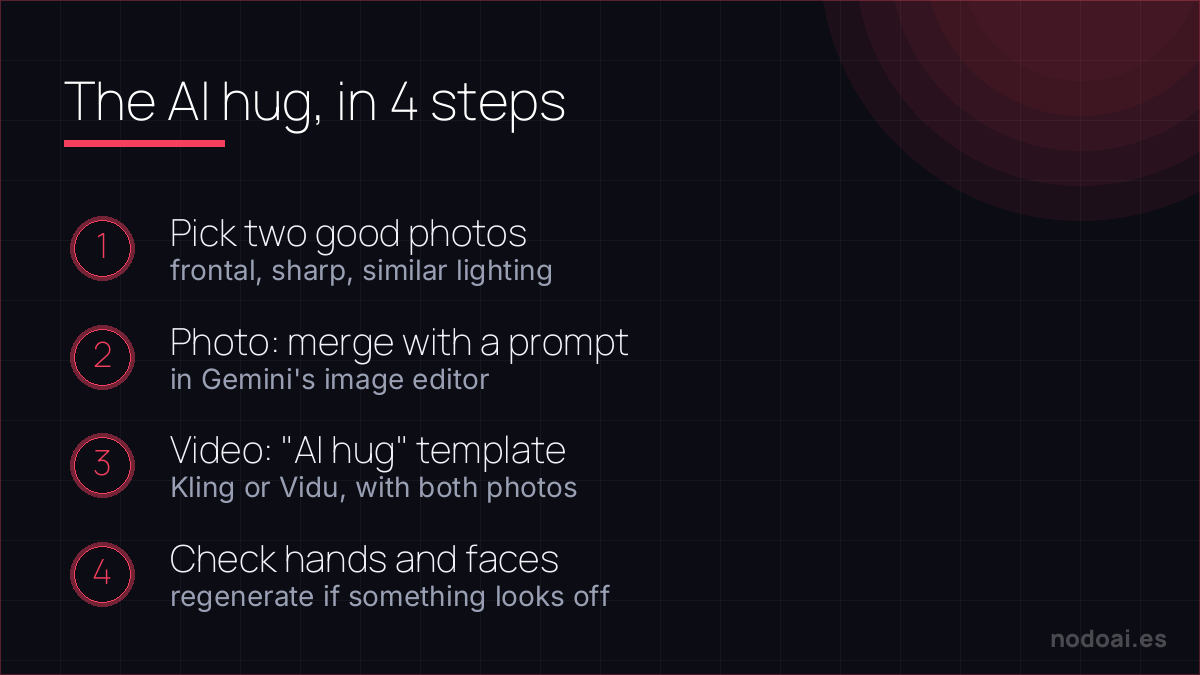
- 1. Pick two good photos: front-facing, well lit, faces clear. The more similar the angle and lighting, the better the hug blends.
- 2. For a PHOTO: ask an image generator to combine both people in a hug by describing the scene; AI image editors (like Gemini’s) can merge two photos with a prompt.
- 3. For a VIDEO: video generators like Kling or Vidu have “AI hug” templates: you upload the two photos and they generate a few seconds of animated hug.
- 4. Touch up and save: check hands and faces; if something looks off, regenerate. If the original photo is old, it improves a lot if you first run it through restoring old photos with AI.
The care it deserves (read before creating anything)
- Real people, with permission: use your own photos or your family’s with the consent of those involved (or their relatives). Creating hugs with strangers or celebrities is not legitimate ground.
- Grief, gently: many create these hugs with loved ones who passed away. It can be a beautiful comfort or stir up a lot; go at your own pace and remember it’s a recreation, not a real memory.
- No deception: don’t present the image as an authentic photo to others. The point is the tribute, not the confusion.
A hug from a photo — handle it with care
Turning a still photo into a warm moving moment is one of the most emotional uses of AI, especially with a loved one who has passed. Precisely because it's emotional, a few gentle guardrails:
- Expect an interpretation, not reality: the AI animates a plausible movement, not a real memory — go in knowing that.
- Keep it private and personal: a recreation of someone else, living or deceased, deserves the family's consent before it's shared.
- Never use someone's image to mislead: the line between a tender keepsake and a deepfake is consent and intent.
For many people this is a genuinely moving keepsake. Used gently, on your own memories, it can be beautiful — just meet it with clear expectations and respect for whoever is in the frame.
Our recommendation
- Mind the raw material: 80% of the result depends on the source photos. Frontal, sharp and similarly lit.
- Start with the photo, then the video: the still image is more forgiving; video impresses more but fails more. Try free options before paying anything.
- Our take: used with respect —your photos, your family, your memories— it’s one of the most beautiful uses of image AI. The line is simple: tribute yes, impersonation or deception no.
Frequently asked questions
Can it be done for free?
Yes: general AI image editors can create the hug photo for free, and several video tools offer free trials with watermarks or limits. For one-off use, you don’t need to pay.
Does it work with old or black-and-white photos?
Yes, and it’s one of the most moving uses. The trick: restore and colourise the old photo first and use that improved version for the hug; the result improves enormously.
Conclusion
The AI hug is simple technique and big emotion: two good photos, the right tool and respect for the people in them. Prepare the images with old photo restoration, bring them to life with AI photo animation and, before uploading family photos to any service, review how to protect your data with AI.
This trick is part of a bigger world: see the complete map of what you can do with your photos using AI.