Listening instead of reading: articles while you cook, notes on the way to class, that endless PDF turned into a “podcast”. AI voices have gone from robotic to surprisingly natural, and having any text read aloud to you is now free and trivial. Here are the best ways to do it —starting with the ones you already have installed without knowing.
What you already have for free (and almost nobody uses)
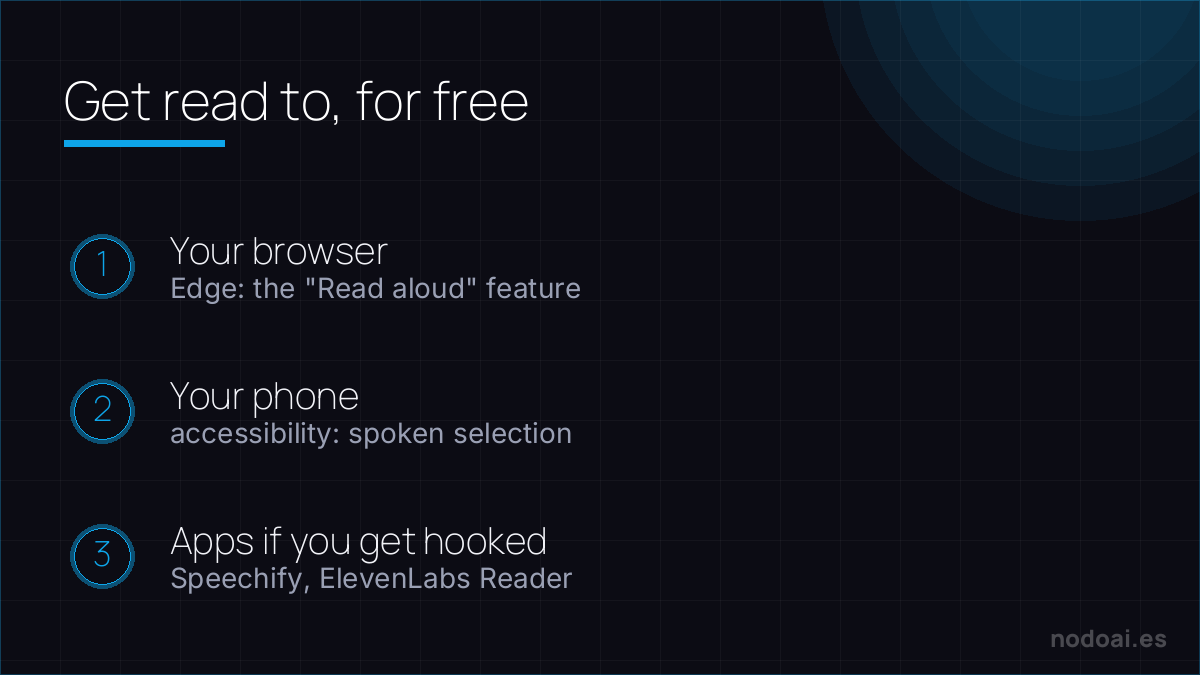
- Your browser: Microsoft Edge includes “Read aloud” with natural voices, free and with nothing to install. Open the article or PDF and hit play.
- Your phone: iPhone and Android ship with screen reading in the accessibility settings: select text and it reads it to you. Perfect for articles and long messages.
- Your chatbot: the ChatGPT or Gemini apps can read their answers aloud —including the summary of a document you upload.
The specialised apps (when you want more)
- Speechify and similar: they turn websites, PDFs and books into audio with polished voices, keep your library and let you speed up. The “Spotify of your reading”.
- ElevenLabs Reader: the reference voice quality applied to reading you anything; among the most natural voices there are.
- NaturalReader and other classic TTS: text-to-speech veterans, with generous free plans for personal use.
How to truly get value from it
- Notes and study material: listening to the material while walking or commuting adds reviews that otherwise wouldn’t exist.
- Pending articles: that infinite “read later” list empties itself once converted to audio.
- Proofing your own texts: hearing what you wrote uncovers typos and clumsy sentences the eye forgives. A writer’s trick, for free.
- Accessibility: for people with visual fatigue or dyslexia, text-to-speech isn’t convenience: it’s access.
When TTS sounds human — and the licensing you must check
Modern text-to-speech is close to indistinguishable from a real voice. Where it earns its place:
- Audiobooks and articles read aloud, accessibility for low-vision users, e-learning narration, video voiceover without a mic.
- Natural vs robotic: premium voices (ElevenLabs and peers) handle pauses and emotion; free engines still sound flat for long content.
The caveat most people miss: voice licensing. Check whether the plan allows commercial use, and never clone a real person's voice without permission — that's both an ethical and a legal line. Used within those bounds, TTS makes your content reachable by ears, not just eyes.
Our recommendation
- Start with what you have: the browser’s “Read aloud” and your phone’s accessibility cover 80% of cases, free and today.
- Pay only if you listen a lot: specialised apps pay off when listening becomes a daily habit (library, speed, premium voices).
- Our take: it’s one of the most underrated AI utilities: it creates nothing new, but turns dead time into reading time. And the trick of listening to your own texts improves your writing from day one.
Frequently asked questions
Is there free, unlimited text-to-speech?
Yes: the Edge browser’s read-aloud and your phone’s accessibility features have no word limit and sound natural. Paid apps add premium voices, a library and study features.
Can I turn a whole PDF into audio?
Yes: open it in the browser and use read-aloud, or upload it to an app like Speechify to keep it as an “audiobook” with bookmarks. For huge documents, split it by chapters.
Conclusion
Having AI read to you is free, immediate and changes what you do with dead time: start with your browser and phone, and jump to an app if you get hooked. To meet the voices behind it all, see the best AI voice tools; if you’d rather summarise than listen whole, how to summarize a PDF with AI; and if you want your own voice doing the reading, how to clone your voice (with consent).
The reference text-to-speech app, reviewed: Speechify profile.