ChatGPT is the world’s most used AI, but most professionals tap only a fraction of what it offers. This guide goes straight to what genuinely changes your productivity at work in 2026: no magic tricks, just the uses that work when you fold it into your day-to-day, and the cautions so you don’t slip up.
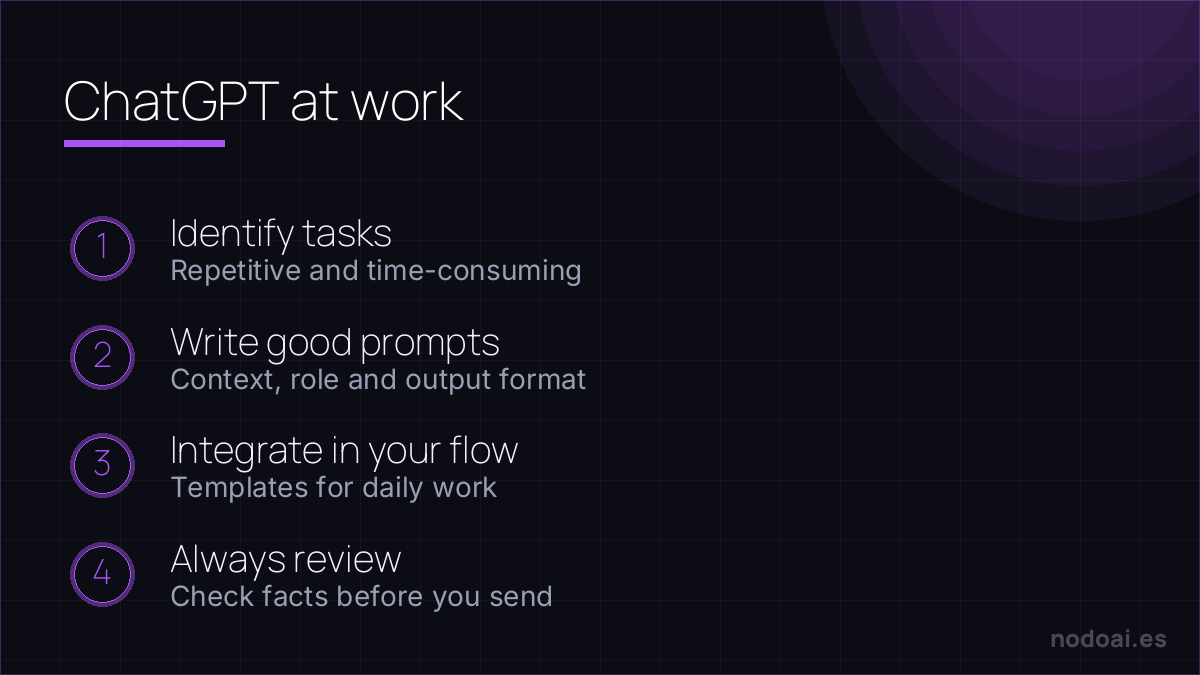 ChatGPT at work: Getting value from ChatGPT at work: spot tasks, write good prompts, integrate it and always review." width="1200" height="675" loading="lazy"/>
The uses that save the most time
- Writing and rewriting: emails, reports, proposals and summaries from a few notes of yours.
- Synthesizing: condensing long documents, email threads or meetings into the key points.
- Thinking out loud: testing ideas, finding angles and structuring an argument before you write it.
- Analyzing data: explaining a table, spotting patterns or preparing simple formulas.
- Preparing: meeting agendas, interview questions, presentation drafts.
The key: give good context
The difference between a useless answer and an excellent one is almost always the context you give. Tell it who you are, who it’s for, what tone you want and what result you expect. “Write an email” gives you something generic; “write a short, warm email to a client to postpone a meeting to next week, apologizing without overdoing it” gives you something you can use almost as-is. The better the brief, the less editing.
Concrete work flows
- Inbox: paste a long email and ask for a summary + a draft reply.
- Meetings: give it your notes and ask for minutes with decisions and next steps.
- Documents: draft a first version with AI and spend your time refining it.
- Decisions: ask for pros and cons of an option so you don’t miss anything.
Essential cautions
- Verify the facts: ChatGPT can invent figures, quotes or facts with full confidence. Check what matters.
- Privacy: don’t paste confidential company or client information into accounts without processing guarantees.
- Your judgment leads: use it for drafts and support, not to decide for you.
- Review the tone: adjust what it generates to your company’s voice before sending.
Our experience using ChatGPT at work
- Where it saves us most time: first drafts, summaries of long threads and preparing meetings. Not the final answer, but the 80% that gets the blank page off your plate.
- The precaution we don’t skip: be careful pasting confidential company data. For that, plans with data not used for training, or simply don’t paste it.
- The habit that avoids trouble: verifying the specific data (figures, names, quotes). It sounds convincing even when it’s wrong.
Our advice: use it to speed up the start and the mechanical part, and save your judgement for reviewing and deciding. The responsibility for the result is still yours.
Frequently asked questions
Is the free version enough for work?
For many uses, yes. The paid one gives more capable models, more context and extra features, useful if you use it intensively, but it isn’t essential to start.
Can I upload my company’s documents?
Only with guarantees. Avoid confidential data in personal accounts; for professional use, consider enterprise options with guaranteed data handling.
Can people tell I use ChatGPT at work?
If you send the text unreviewed, they might. If you personalize it and add your judgment, you’ll only have worked faster and better.
What should I NOT trust it with?
Specific facts without verifying, decisions requiring professional liability, and sensitive legal or financial matters. There, always double-check.
Conclusion
- The big wins: writing, synthesizing, analyzing and preparing.
- The context you give determines the quality of the answer.
- Verify facts and protect company privacy.
- Your judgment decides; ChatGPT just gives you speed.
More in the AI productivity system and automating tasks with AI.
Related: is AI safe? privacy and your data.