Videos with captions get watched to the end far more than those without: most people watch video with no sound on their phone. Until recently subtitling meant hours of transcribing and timing; today AI does it in a couple of minutes with surprising accuracy. Here’s how, with which tools, and where it still fails.
How AI subtitles (and why it’s so fast)
- It transcribes speech: a speech-recognition model turns audio into text and splits it into short lines synced to the image.
- It times everything itself: what you used to do by hand frame by frame now comes out automatically; you just review.
- It translates if you want: many tools generate subtitles in other languages in the same step, useful to reach a wider audience.
The tools, by use case
- AI editors (CapCut, Descript): they subtitle and let you edit the video in the same place. The most convenient for creators.
- Subtitle specialists (Submagic, Veed): they generate “animated” social-style captions with highlighted words. Ideal for Reels, Shorts and TikTok.
- Via platform: YouTube generates automatic captions for free; a fine baseline, but worth correcting before publishing.
The fast workflow in 4 steps
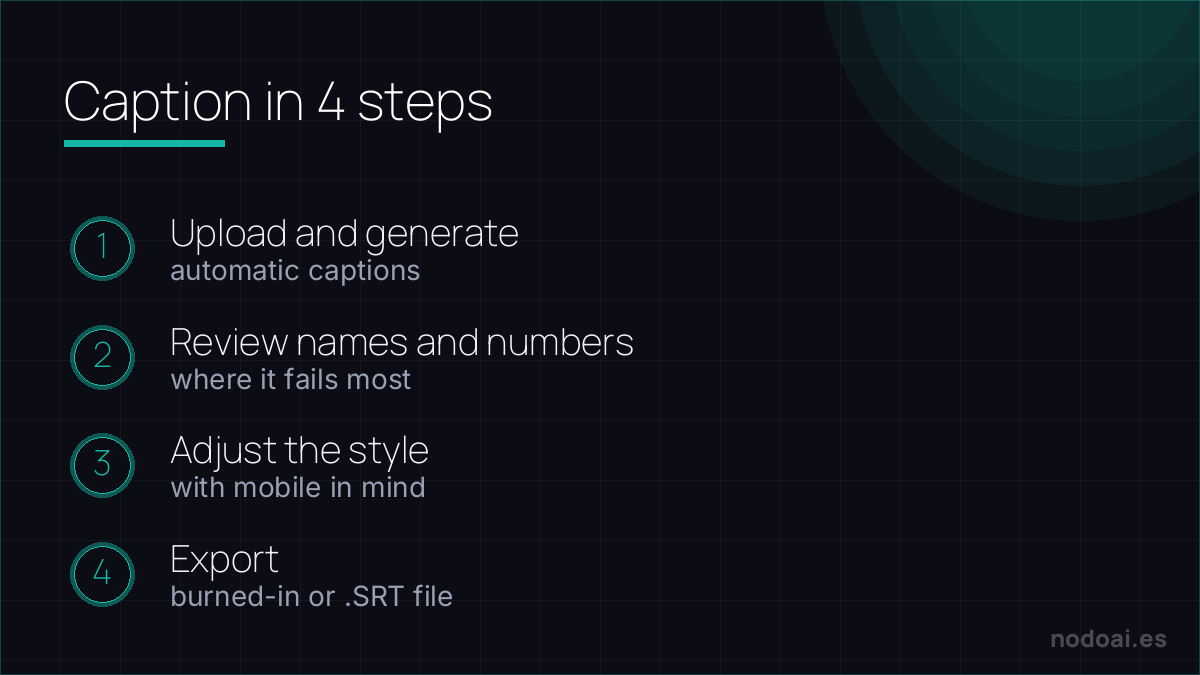
- 1. Upload the video to the tool and generate the automatic subtitles.
- 2. Review proper nouns, jargon and numbers: that’s where it fails most.
- 3. Adjust the style (size, position, highlight) with mobile in mind.
- 4. Export the video with burned-in subtitles, or the .SRT file if you prefer to upload them separately.
Subtitles that don't embarrass you: the quality check
AI generates captions in seconds, but auto-captions with errors look worse than none. Before publishing:
- Proofread names and jargon: that's where AI transcription fails hardest.
- Choose the right format: burned-in captions for social autoplay; an
.srtfile for YouTube so viewers can toggle and Google can index it. - Mind timing: two lines max, on screen long enough to read.
For other languages, treat AI translation of subtitles as a draft, not a final — a mistranslated caption can flip your meaning. Accessibility is the real win here: captions serve deaf viewers and the 80% who watch on mute.
Our recommendation
- Always review, don’t publish raw: AI gets 90-95% right, but that 5% tends to land on what looks worst: your brand name misspelled or a number changed.
- Mind the language and accent: it works best in English and neutral Spanish; with strong accents or slang, review more carefully.
- Our take: subtitling is no longer an excuse not to do it. It’s one of the tasks where AI saves the most time with the least risk —as long as you spend two minutes correcting.
Frequently asked questions
Can I subtitle for free?
Yes. YouTube’s automatic captions and the free plans of CapCut or Veed are enough to start; the “paid” features are usually animated templates and multi-language translation.
What is an .SRT file?
It’s a text file with the subtitle and the exact moment each line appears. It lets you upload subtitles separately (to YouTube, say) without “burning” them into the video, and edit them later.
Conclusion
Subtitling with AI is fast, cheap and multiplies your videos’ reach. Generate, correct the essentials and publish. If you work with video, pair it with how to summarize YouTube videos with AI and, for voiceovers, with the best AI voice tools. Prefer AI to talk to you instead of reading? See the AI that talks to you.
The tool we use most for this, in depth: CapCut profile.