Wishing “happy birthday” on WhatsApp is fine; sending a video with the photos of a whole friendship, music and a touch of magic is another league. AI birthday videos have become one of the most searched-for greetings —and you can make one in under half an hour with zero editing skills. Here are the three ways to do it, from easiest to most spectacular.
The three ways to make an AI birthday video
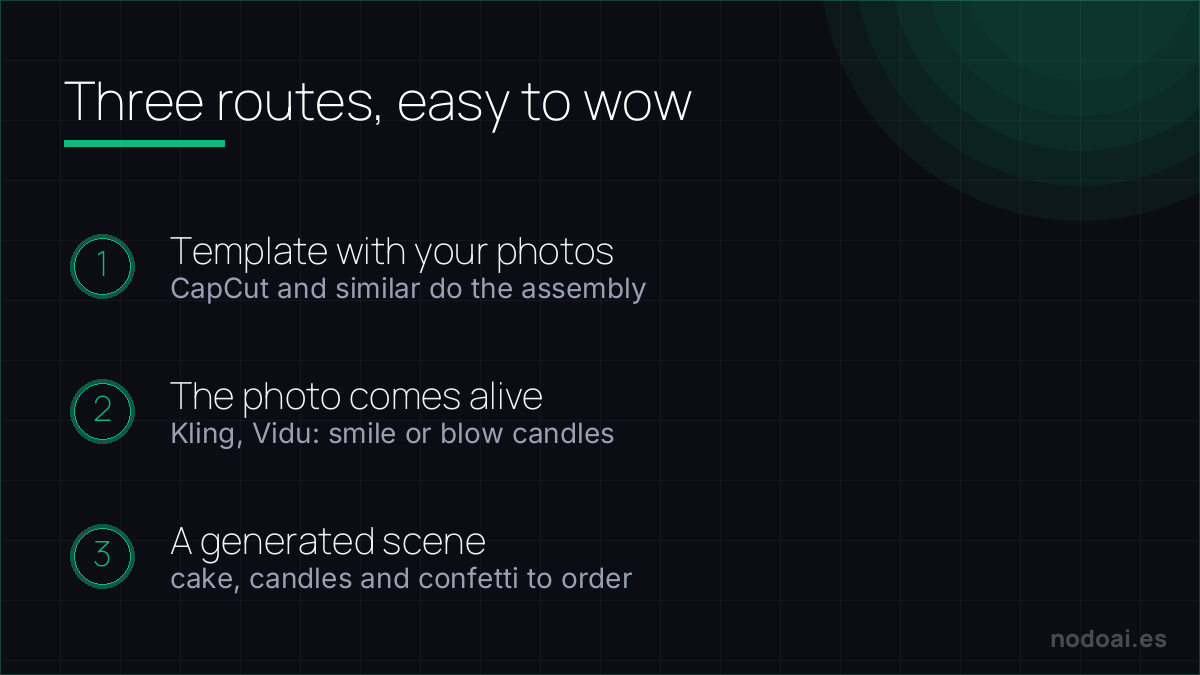
- 1. The photo montage (the easiest): editors like CapCut have AI birthday templates: you upload a handful of photos and they assemble the video with transitions, text and music almost on their own.
- 2. The photo that comes alive: with video generators (Kling, Vidu and similar) you animate a photo of the person: smiling, waving or blowing out candles. Guaranteed surprise effect; we cover it in depth in how to animate a photo with AI.
- 3. The generated scene: you ask the AI for a custom birthday clip (“a cake with lit candles on a wooden table, confetti falling”) and weave it between the real photos.
The plan in 4 steps (30 minutes)
- 1. Gather 10-20 good photos: varied and in roughly chronological order; that’s what truly moves people.
- 2. Pick the route: automatic template if you’re in a hurry; photo animation if you want the “wow” effect.
- 3. Music and text: a song that means something and two or three short lines beat paragraphs.
- 4. Export for mobile: vertical for WhatsApp/Instagram, and check the video is light so it arrives without quality loss.
Tricks that lift the result
- Close with the most special photo animated: saving the best moment for the end multiplies the emotion.
- Less is more: 60-90 seconds hold attention; 5-minute videos get skimmed.
- Audio matters: if you add a voice note of yourself congratulating them, the video goes from pretty to unforgettable.
Make it personal — and keep it in good fun
An AI birthday greeting lands when it feels made for the person, not generated for anyone:
- Feed real details: their name, an inside joke, what they love — specifics are what make it feel personal.
- Check the name: AI voices often mispronounce names; test it and adjust the spelling phonetically if needed.
- Match the vibe: a short, warm clip beats a long generic one.
Keep it honest fun: an obviously playful AI greeting is a lovely surprise. Using AI to convincingly imitate a real person's face or voice without their consent is a different thing entirely — that's where a birthday gift crosses into a deepfake.
Our recommendation (and the respect detail)
- The photos, with love and with permission: you’re using someone else’s images; if you’ll animate their face or share the video beyond the close circle, make sure they’d be happy about it too.
- Don’t make it all AI: what moves people are the real photos and your words; AI is the wrapping, not the gift.
- Our take: it’s one of those uses where AI adds with no shadows: little effort, big effect and real joy for the person receiving it. One of the most rewarding things you can do with these tools.
Frequently asked questions
Can I do it for free?
Yes: editor templates and video generators’ free trials are enough for a complete birthday video. Some free options add a watermark; removing it usually requires the paid plan.
What if I have few photos of the person?
Go with route 3: generate ambience scenes (cake, candles, confetti, their favourite hobby) and alternate them with the few real photos you have. With 5-6 well-chosen photos you get a lovely video.
Conclusion
An AI birthday video is half an hour of work and a joy that gets kept: real photos, a touch of animation and your voice. Start with the template, animate the special photo and finish with music. To pick a video tool, see the best AI video tools; and for the star effect, how to animate a photo with AI.