Having your own website stopped being a job for programmers or for paying hundreds to an agency. Today you describe what you want and AI generates a whole site —design, copy and images— in minutes, ready to publish. It doesn’t replace a good designer for serious projects, but for a landing page, a portfolio or your business site it’s a game changer. Here’s how, with what, and what to review.
How it works (and why it’s so fast)
- From description to site: you tell it what you do and for whom, and AI proposes structure, sections, copy and images in one go.
- You edit by chatting or dragging: “make the hero cleaner”, “add a pricing section”… and the site changes with no code.
- Publish and host: many tools give you domain, hosting and a contact form in the same place.
Choose a tool by your goal
- All-in-one business site (Wix, Hostinger, Durable): the most convenient for a simple site with hosting, bookings and a shop. Durable generates a site in seconds; ideal for local businesses.
- Landing or portfolio with polished design (Framer): if you want it to look professional and modern, it’s the cleanest option.
- “Code” sites and apps (Lovable, Bolt, v0): they generate the site as code you can maintain and extend; for those who want technical control or an app, not just a site.
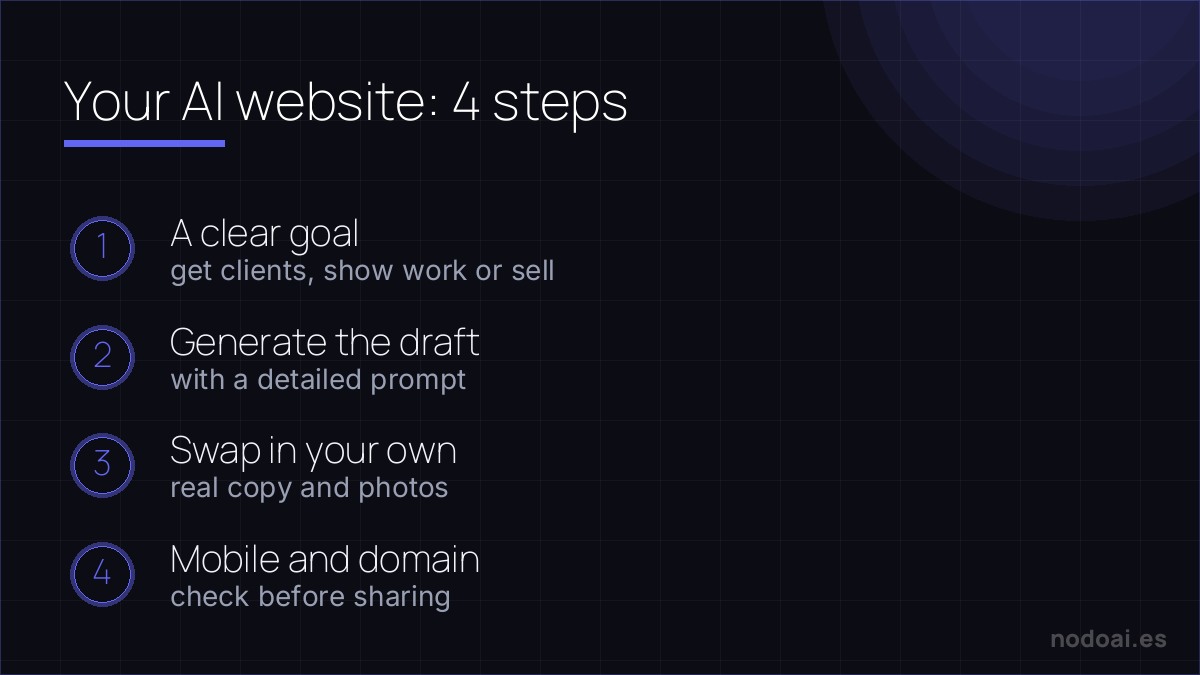
The process in 4 steps
- 1. Be clear on the goal (get clients, show work, sell) and a base text of what you offer.
- 2. Generate the first draft with a detailed prompt and pick the version that fits best.
- 3. Replace the “filler” text and images with your real ones; that’s what separates a generic site from yours.
- 4. Check it looks good on mobile and connect your domain before sharing it.
AI builds the draft — you own what makes it work
AI site builders (Wix ADI, Framer AI, Durable, Hostinger) turn a description into a decent-looking site in minutes. That's the easy 80%. The 20% that decides success is still yours:
- Real content: generic AI copy ranks for nothing. Replace placeholder text with specific, useful information about your offer.
- Hosting and domain: you choose where it lives and your own name — don't get locked into a subdomain.
- SEO and speed: titles, structure, images and load time still need human attention.
A beautiful empty site is invisible on Google. AI removes the “I can't build a website” barrier; substance is what brings visitors.
Our recommendation (and what not to neglect)
- The first draft is a starting point, not the end: generated sites look alike. Your brand, your photos and honest copy make it yours.
- Mind mobile and speed: most of your visits come by phone; check it loads fast and looks good there.
- Look at basic SEO: titles, descriptions and copy with the words your customer searches. Some tools help; always review it.
- Our take: for a simple site, AI is unbeatable on time-to-result. For a large, custom project, a professional is still worth it —use AI for the draft and arrive with clear ideas.
Frequently asked questions
Do I need to know how to code?
Not for the all-in-one tools (Wix, Framer, Durable): it’s all chatting and dragging. The code ones (Lovable, Bolt) do give you more control if you understand some development, but you can start without it.
Is having an AI website free?
You can generate and test for free, but to connect your domain and remove the platform’s badge there’s almost always a paid plan. Compare domain + hosting prices before deciding.
Conclusion
Creating a website with AI is now a matter of minutes: describe, generate, personalise with your own and publish. Start with a simple landing and grow from there. If you get the technical itch, see how to code with AI and what vibe coding is. For the copy and strategy, lean on a chatbot like ChatGPT.